In today’s digital world, protecting your personal information online is more important than ever. Hackers, phishing scams, and data breaches can put your sensitive information at risk. But don’t worry — even beginners can follow simple steps to keep their data safe.Navratri 2025: Day wise Colours, and Rituals of 9 Days
1. Use Strong and Unique Passwords

A strong password is your first line of defense. Avoid using common words, birthdays, or easily guessable information. Instead, use a mix of:
- Uppercase and lowercase letters
- Numbers
- Special symbols
Pro Tip: Use a password manager like LastPass or 1Password to generate and remember unique passwords for all your accounts.
2. Enable Two-Factor Authentication (2FA)
Two-factor authentication adds an extra layer of security. Even if someone knows your password, they cannot log in without the second verification step, usually a code sent to your phone or email.
Why it matters: 2FA can prevent unauthorized access to your social media, email, and banking accounts.
3. Keep Your Software and Apps Updated

Software updates often include security patches that protect against hackers. Make sure you:
- Update your operating system regularly
- Update apps on your phone and computer
- Keep your web browser up-to-date
Ignoring updates makes it easier for hackers to exploit vulnerabilities.
4. Be Careful with Public Wi-Fi

Public Wi-Fi networks are convenient but risky. Hackers can intercept your data if you use unsecured networks.
Tips:
- Avoid logging into bank accounts or sensitive sites on public Wi-Fi
- Use a VPN (Virtual Private Network) to encrypt your internet connection
5. Watch Out for Phishing Scams
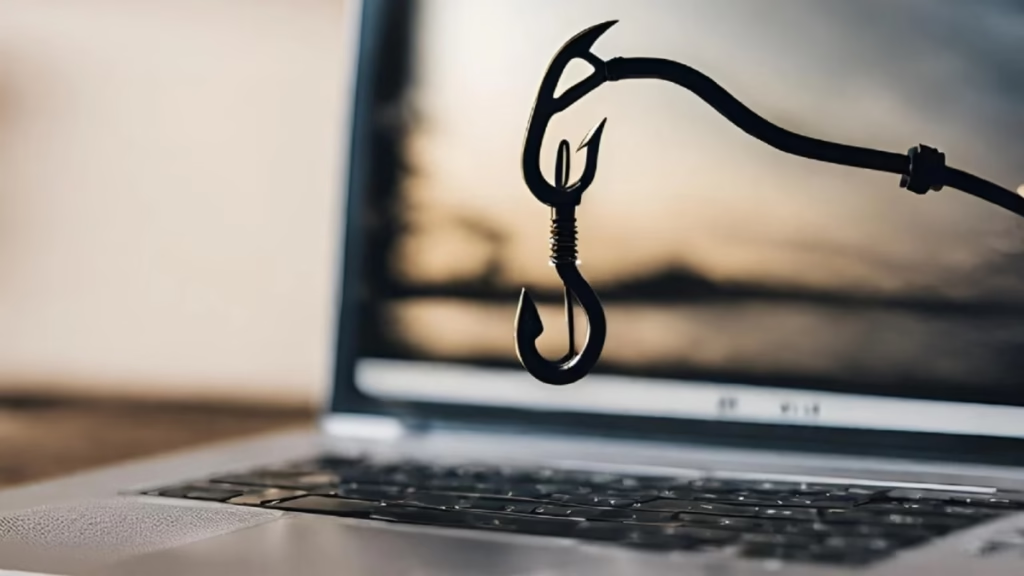
Phishing is when hackers send fake emails, messages, or websites to steal your information.
How to stay safe:
- Check the sender’s email address carefully
- Avoid clicking on suspicious links or attachments
- Never share passwords or OTPs online
6. Backup Your Important Data
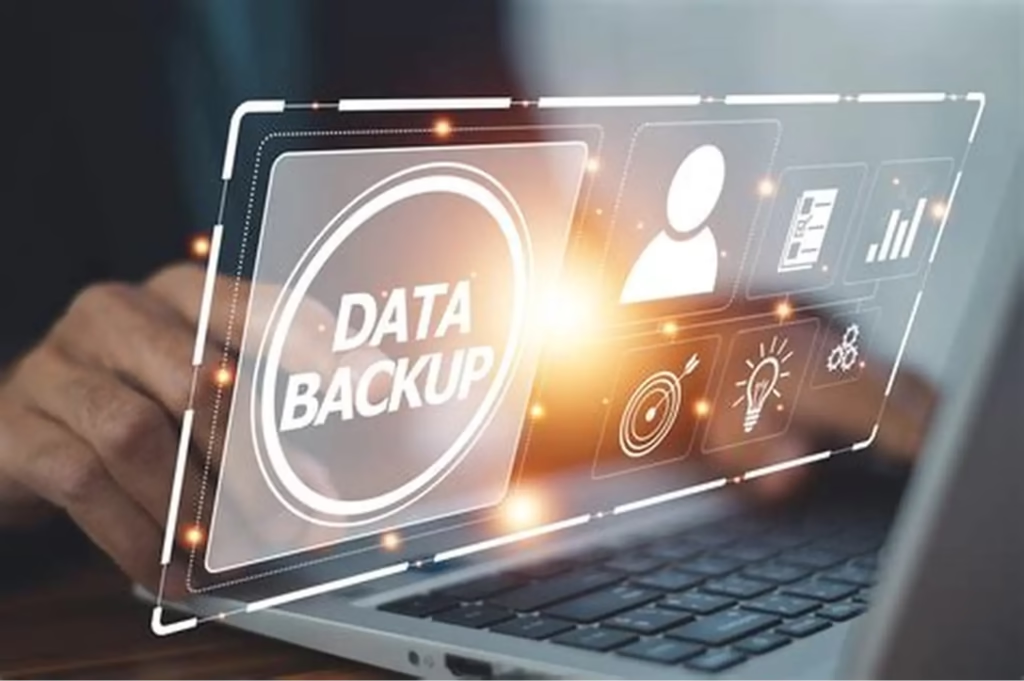
Backups protect you from accidental loss, hardware failure, or cyber attacks like ransomware.
Options for backups:
- Cloud storage services (Google Drive, Dropbox)
- External hard drives or USB drives
7. Review Your Social Media Privacy
Social media often shares more personal info than you realize. Adjust your privacy settings to control who can see your posts and personal information.
Tips:
- Limit public access to your profile
- Don’t share sensitive info like your phone number or address
- Be cautious about friend requests from unknown people
8. Be Mindful of Mobile Security
Your phone contains a lot of personal information. Protect it by:
- Using a strong screen lock (PIN, password, or fingerprint)
- Installing apps only from official stores
- Avoiding unnecessary app permissions
9. Educate Yourself About Cybersecurity

The more you know, the safer you will be online. Follow reliable tech blogs, watch tutorials, or take beginner courses on online safety.
Conclusion
Securing your online data doesn’t have to be complicated. With strong passwords, 2FA, regular updates, and safe online habits, even beginners can stay protected. Remember, awareness and caution are your best tools against online threats.